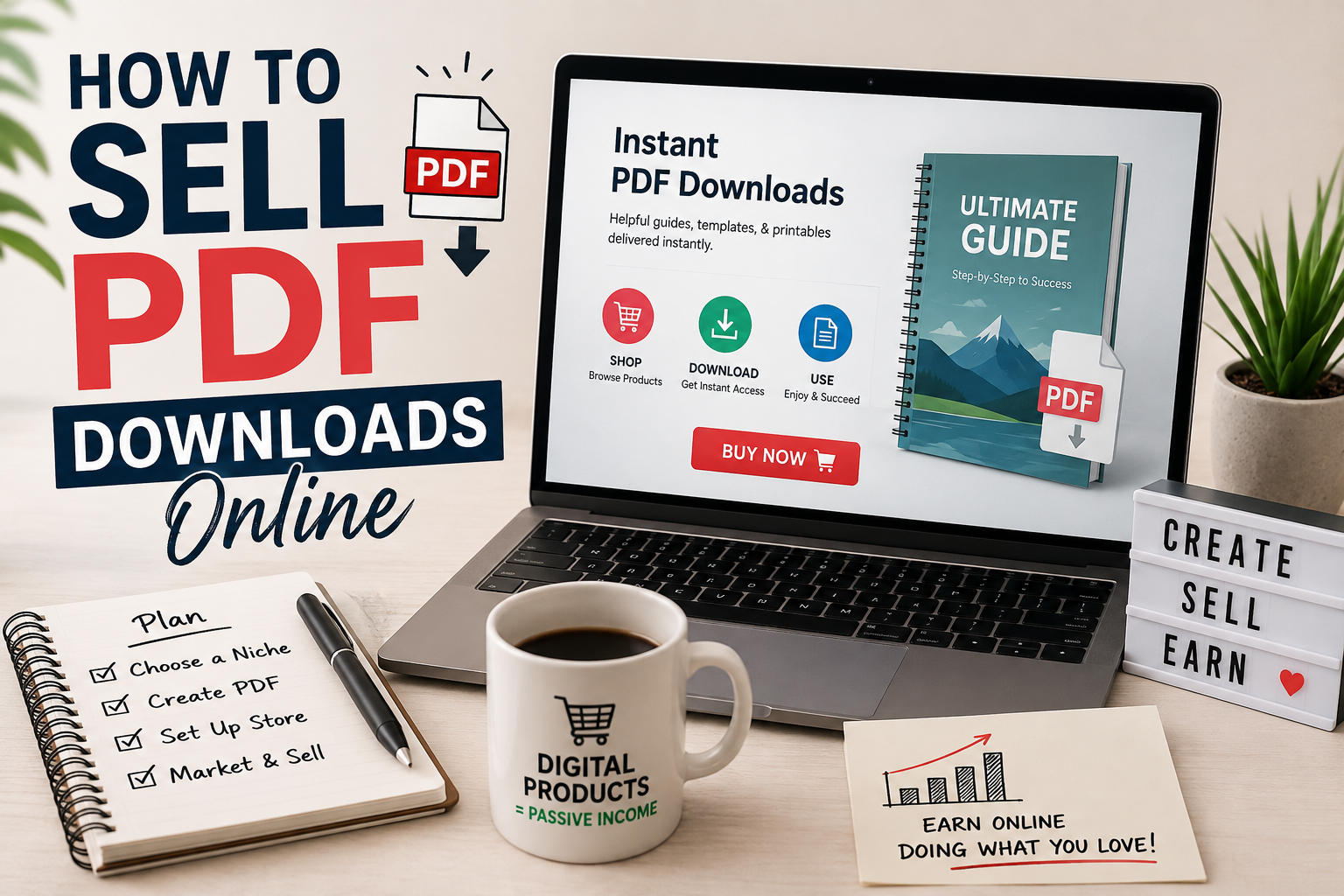
How to Sell PDF Downloads Online: A Beginner’s Guide
PDFs may not sound particularly exciting.
That is part of their appeal.
They are simple to create, simple to deliver, easy for customers to open, and useful for many types of information products.
A PDF can be:
- A checklist
- A workbook
- A guide
- A planner
- A template
- A report
- A worksheet
- A reference sheet
- A collection of instructions
You can create one without ordering inventory or dealing with shipping.
Here is how to turn a simple PDF into a product people may actually want to buy.
Step 1: Pick a Problem
The easiest mistake is starting with the design.
Start with the problem.
What would your potential customer like to accomplish faster?
For example:
Bad idea:
My 30-Page Business Planner
Better idea:
30-Day Client Prospecting Planner for New Freelance Writers
The second title tells you:
- Who it is for
- What it helps with
- How long the process lasts
Specificity makes the product easier to understand and market.
Step 2: Choose the Format
The problem determines the best format.
Checklist
Best when the customer needs to remember several steps.
Guide
Best when the customer needs instructions or explanations.
Workbook
Best when the customer needs to think, plan, or complete exercises.
Template
Best when the customer needs a starting point.
Reference Sheet
Best when the customer needs information they can quickly consult.
Planner
Best when the customer needs to organize actions across days or weeks.
Do not make a 40-page guide when a two-page checklist would solve the problem better.
Step 3: Outline the Product
Write the desired result at the top of a blank document.
Then ask:
“What does the buyer need to know or do to reach this result?”
Organize those steps in order.
For example, a First Freelance Client Workbook could contain:
- Choose a service
- Pick a customer type
- Create an offer
- Build a sample
- Find prospects
- Write a pitch
- Track outreach
- Follow up
- Handle a reply
- Prepare for the project
Now you have a useful structure.
Step 4: Create the Content
Keep the writing clear.
Buyers generally do not want filler.
They want the solution they paid for.
For instructional PDFs:
- Use short paragraphs
- Add subheadings
- Use lists
- Include examples
- Give specific steps
- Add worksheets where appropriate
If you use AI to help draft the material, review it carefully.
Check instructions, examples, calculations, and factual claims.
Your expertise and editing are what turn a generated draft into a useful product.
Step 5: Make It Easy to Read
A PDF does not need expensive design.
It does need to be readable.
Use:
- Consistent fonts
- Clear headings
- Plenty of spacing
- Page numbers
- Simple graphics
- A consistent visual structure
Do not stuff every inch of the page.
White space makes a document easier to use.
Step 6: Name Your Product
Your title should communicate the result.
Compare:
Local Business Workbook
with:
The 30-Day Google Review Plan for Local Businesses
The second one gives the buyer a clearer idea of what they are getting.
Useful title formulas include:
The [Number]-Day [Result] Plan
[Result] Checklist for [Audience]
The [Audience] Starter Kit
[Task] Made Simple
The Complete [Specific Task] Workbook
Step 7: Decide What to Charge
There is no universal price for a PDF.
Consider:
- The problem
- How costly the problem is
- How specific the product is
- How much time it saves
- The buyer
- Competing solutions
- Whether bonuses are included
A short B2B document that saves an owner several hours could be worth more than a 50-page general consumer ebook.
Do not price by page count.
Price according to usefulness.
Step 8: Create a Sales Page
Your sales page should answer:
Who is this for?
What problem does it solve?
What is included?
What will the buyer be able to do with it?
How is it delivered?
What does it cost?
A straightforward sales page structure is:
Headline
State the main outcome.
Problem
Describe the situation your buyer is dealing with.
Product
Explain how the PDF helps.
What’s Included
List the components.
Who It’s For
Help readers decide whether it matches their needs.
Price and Purchase Button
Make the next action obvious.
Step 9: Choose Where You Will Sell
You have several broad options.
Your Own Website
Good if you want to build a long-term brand and publish search content around your products.
Digital Product Marketplace
Useful when you want built-in selling infrastructure.
Creator Commerce Platform
These platforms usually make checkout and digital delivery relatively simple.
Email List
Your email subscribers can become repeat customers when you create related products.
You can also use several channels together.
Step 10: Deliver It Automatically
Customers should not have to email you and wait for the file.
Set up a checkout system that provides access after purchase.
Then test it yourself.
Check:
- Payment
- Confirmation page
- Confirmation email
- Download link
- File permissions
- Mobile experience
A broken delivery process can turn a simple product into a customer service headache.
Step 11: Promote With Helpful Content
Instead of endlessly posting:
“Buy my PDF.”
Create content related to the problem.
Suppose you sell a Freelance Client Tracker.
You could publish:
- How to find freelance clients
- How many prospects should you contact?
- How to follow up with prospects
- Where to find companies to pitch
- How to organize freelance leads
- Why freelancers lose track of prospects
Each article can naturally introduce the tracker.
This is one reason digital products and SEO content fit together so well.
Step 12: Create a Free Version
A free resource can help build your email list.
For example:
Free product:
10-Point Freelance Pitch Checklist
Paid product:
Complete Freelance Client Acquisition Workbook
The free resource solves a small problem.
The paid product provides a more complete system.
Step 13: Ask Buyers What Else They Need
Your customers can provide your best future product ideas.
If several buyers ask:
“Do you have a version for agencies?”
That is a clue.
If people ask for examples, create an example pack.
If people want a spreadsheet version, build one.
One product can lead to several others.
Turning One PDF Into a Product Line
Imagine you create:
The Local Business Review Request Kit
You could later create:
- Review response templates
- Negative review response templates
- Employee review-request cards
- Review tracking spreadsheet
- SMS request templates
- Email request templates
- Customer feedback form
Now you no longer have one PDF.
You have a niche product collection.
Common Mistakes
Making Something Too General
Specific products are easier to explain.
Spending Weeks on Design
Useful beats fancy.
Creating Before Validating
Look for evidence people care about the problem.
Having No Traffic Plan
Products do not sell simply because they exist.
Selling Raw AI Output
Customers are paying for something useful and organized, not for your ability to press a generate button.
Creating Too Much
Start with the smallest version that delivers a genuine result.
FAQ
Can I sell PDFs I create with AI?
AI can be part of your workflow, but you should check the terms of the specific tool you use and create a product that you have reviewed, edited, organized, and improved.
Do I need graphic design experience?
No. Clear typography, headings, spacing, and a sensible layout can create a professional result.
What types of PDFs sell?
Products that save time, organize information, provide instructions, or simplify repetitive tasks have clear practical value.
Can I sell the same PDF repeatedly?
That is one of the benefits of a digital product. The same finished file can generally be delivered to multiple customers, subject to whatever license and terms you establish.
How do people find my PDF?
Potential channels include search traffic, email, social content, videos, partnerships, affiliates, and marketplace discovery.
Suggested internal links: Radical Reports Review, Digital Products article above, affiliate marketing articles.
Affiliate possibilities: PDF software, Canva, AI tools, website hosting, checkout services, email software.